Version 1.0.1

3DFlyThrough

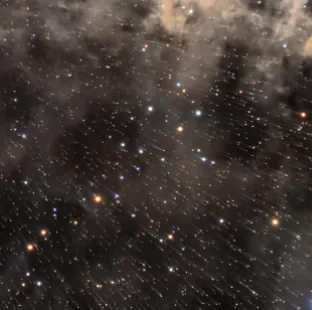
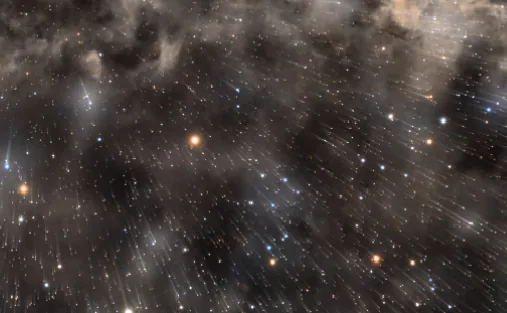
3DFlyThrough turns a starless image and its stars-only image into a fly-through video: the camera pushes into the nebula while your stars, each at its own depth, move with true perspective and pass the viewer.

7-day trial with 2 image pairs. No payment card needed. For Windows and Mac (Apple silicon and Intel).

Play the video: 3DFlyThrough
Watch on YouTube

What 3DFlyThrough does

  • Two inputs, one sceneReads a starless image and its stars-only image (TIFF 8/16/32-bit, PNG, JPEG, FITS, XISF). Your files are only read, never changed.
  • Real stars at real depthsEvery star gets its own reproducible depth and moves with true perspective. No stars are invented or copied.
  • Star depth orderNew in 1.0.1: spread stars randomly (the classic look), by size with small or large stars first, or in custom Small / Medium / Large groups. A colour chart shows the order.
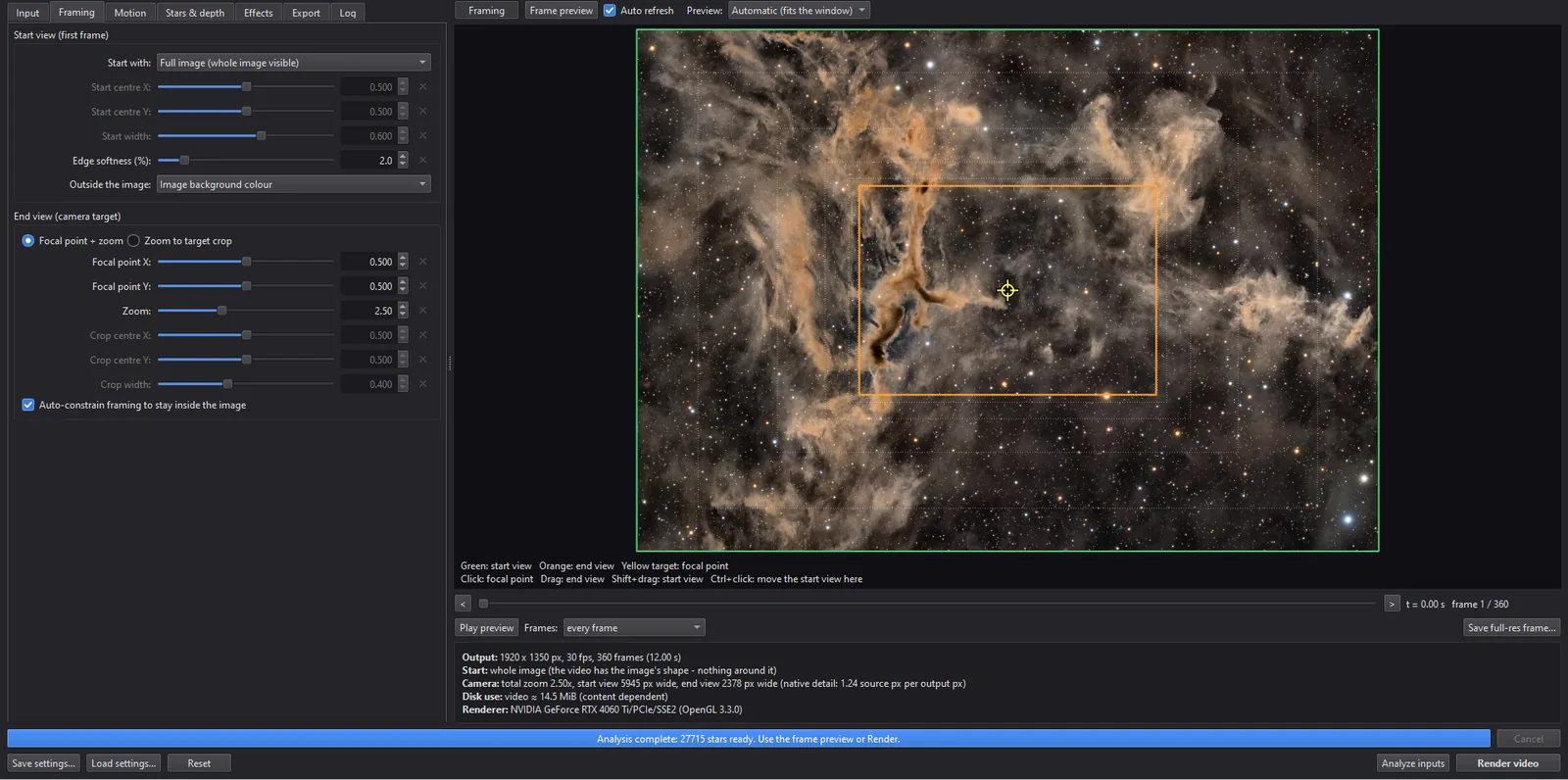
  • Framing on the imageClick the focal point, drag the end view and Shift+drag the start view. The framing can be kept inside the image automatically.
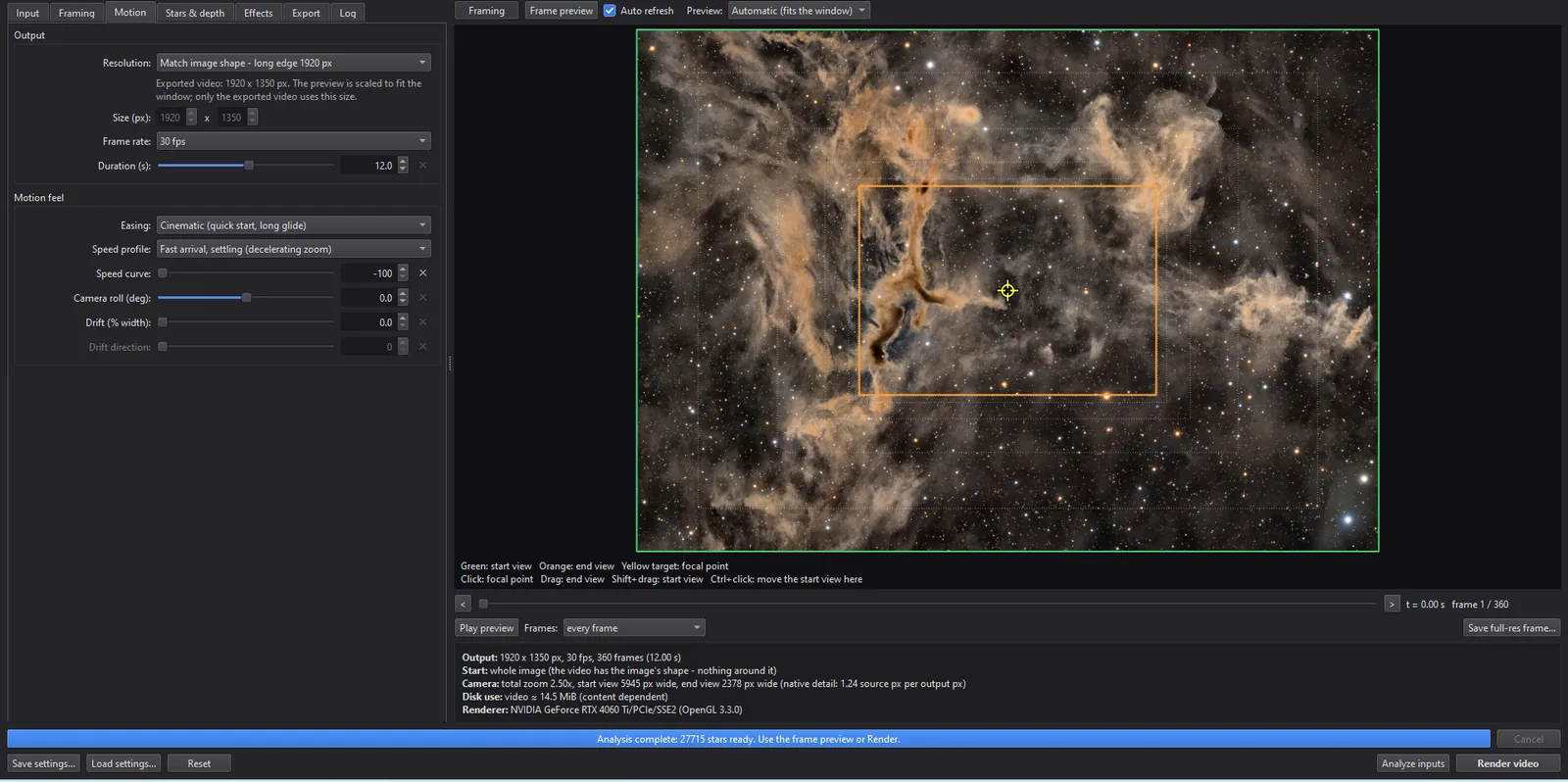
  • Motion controlFrame rate, duration, easing, speed profile, camera roll and drift, with output sizes that match your image shape.
  • Optional effectsDepth-dependent glow, twinkle, motion blur, motion trails and vignette. All start switched off.
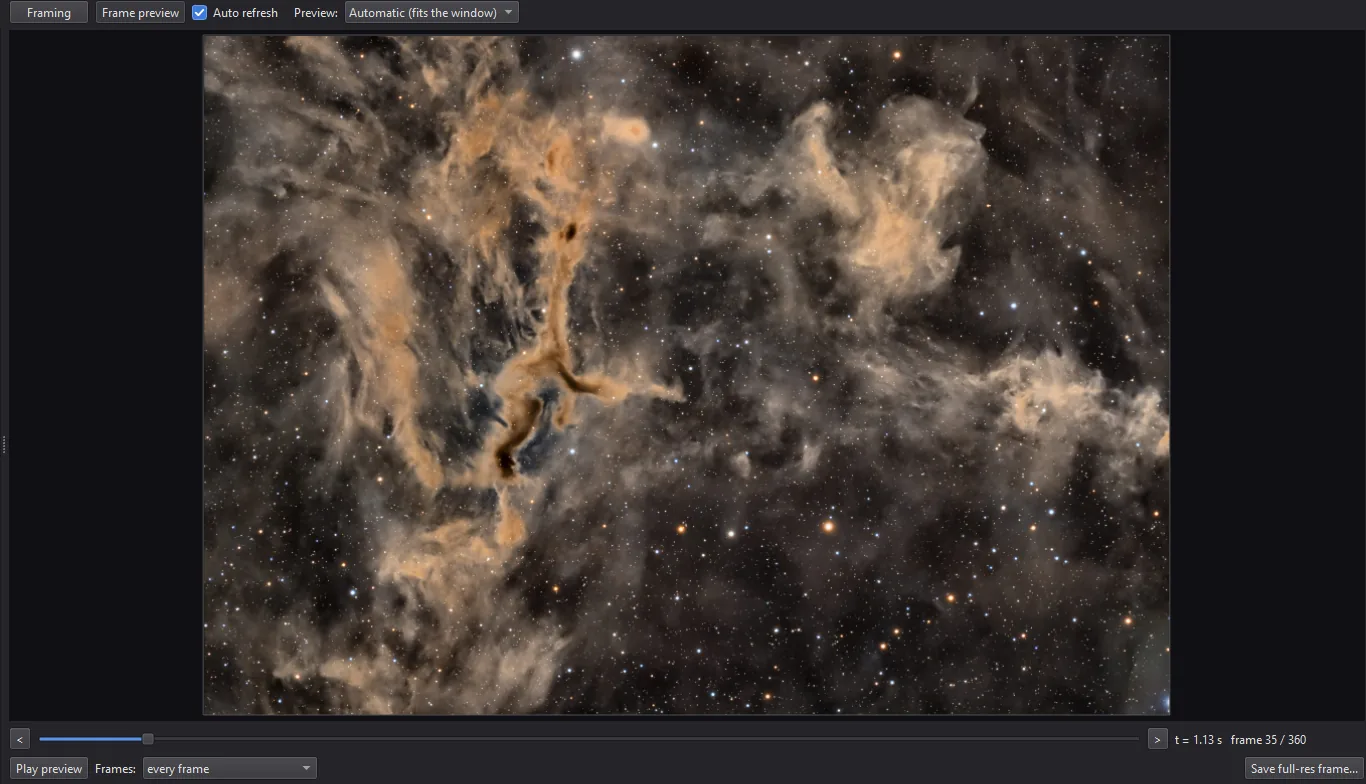
  • Preview before renderingScrub or play the shot, and save any frame at full export resolution. Drag the dividers or press Expand preview for a bigger preview.
  • Video and frame exportMP4 H.264, MP4 HEVC 10-bit or MOV ProRes 422 HQ; PNG or TIFF frames up to 32-bit float.
  • Graphics card or processorUses graphics acceleration (OpenGL 3.3) when available and the processor otherwise, with the same picture, only slower.
  • Reusable settingsSettings are remembered, and you can save a look to a file and load it for other images.

Free trial and purchase

Buy 3DFlyThrough

US$19.99 one-time payment

  • Unlocks the program you already have: enter the license key, no reinstall, your settings are kept
  • One purchase covers Windows and Mac: the same license key activates any of the three versions
  • Keeps working offline for up to 30 days after the last license check
  • Activate on up to 2 computers at a time. Deactivate a computer from within the software to transfer your license to another.

Secure checkout, where the product is listed as “3D Fly Through”. The final price, including any tax for your country, is shown before you pay. Your license key arrives in the purchase receipt email. How activation works.

Please read the refund policy before you buy.

Requirements and installation

Step-by-step installation and trial guide

Operating system

Windows 10 or 11 (64-bit), or macOS 14 Sonoma or later

Mac: Apple silicon (M1, M2, M3, M4 or later) or Intel, each with its own download. Linux coming later. Standalone program.

Graphics

Graphics acceleration (OpenGL 3.3) when available

Otherwise it renders on the processor: the same picture, only slower.

Memory

About 1.5 GB + 4 × your image size

A 30-megapixel image pair needs about 3 GB; 16 GB is recommended for heavy 4K work.

Download

Windows 221 MB · Mac 133 MB (Apple silicon) or 163 MB (Intel)

Windows: no installer; unpack to a short folder such as C:\3DFlyThrough and run 3DFlyThrough.exe. Mac: unzip and drag the app into Applications.

Internet

For activation (checked now and then)

And all the time while you use the free trial.

Input images

Starless + stars-only, same size, stretched

TIFF (8/16/32-bit), PNG, JPEG, FITS or XISF.

Video output

MP4 (H.264, HEVC 10-bit) or MOV ProRes 422 HQ

Size presets from Full HD to 4K class (3840 px long edge), plus optional PNG or TIFF frames.

Questions

When does the 7-day trial start?

When you choose Start free trial in the program and confirm the emailed code, not when you download it. The program shows the exact end time.

What counts as an image pair for the free trial?

One starless image together with its matching stars-only image. You can adjust, preview and export each of your two pairs as often as you like during the trial. Pairs are recognised by the contents of the files, so editing and saving an image again makes it a new pair.

Is there a watermark in the trial?

No. Trial exports are full quality without a watermark. Videos you export during the trial remain yours after it ends.

What happens when I buy?

Your license key is in the purchase receipt email. Enter it in the program you already have with Enter license key or Activate purchased license. There is nothing to reinstall, and your settings are kept. Buying and activating.

Which Mac version do I need?

Open the Apple menu › About This Mac. “Chip: Apple M…” means Mac – Apple silicon; “Processor: Intel…” means Mac – Intel. Both need macOS 14 Sonoma or later. The first time, macOS asks whether to open an app downloaded from the Internet: click Open.

Does one purchase cover Windows and Mac?

Yes. The same license key activates any of the three versions (Windows, Mac – Apple silicon and Mac – Intel), on up to 2 computers at a time. To move the license to another computer, choose Help › License › Deactivate this computer on the old one first.

Windows says “Windows protected your PC”. Is that expected?

Yes. The Windows version is not code-signed yet. If you downloaded it from mkastrolab.com, choose More info and then Run anyway. You don’t need to turn off any protection.

Does it work without an internet connection?

The free trial needs an internet connection while you use it. A purchased license keeps working offline for up to 30 days after its last successful online check.

More answers in the 3DFlyThrough documentation, or contact support.